Section Management
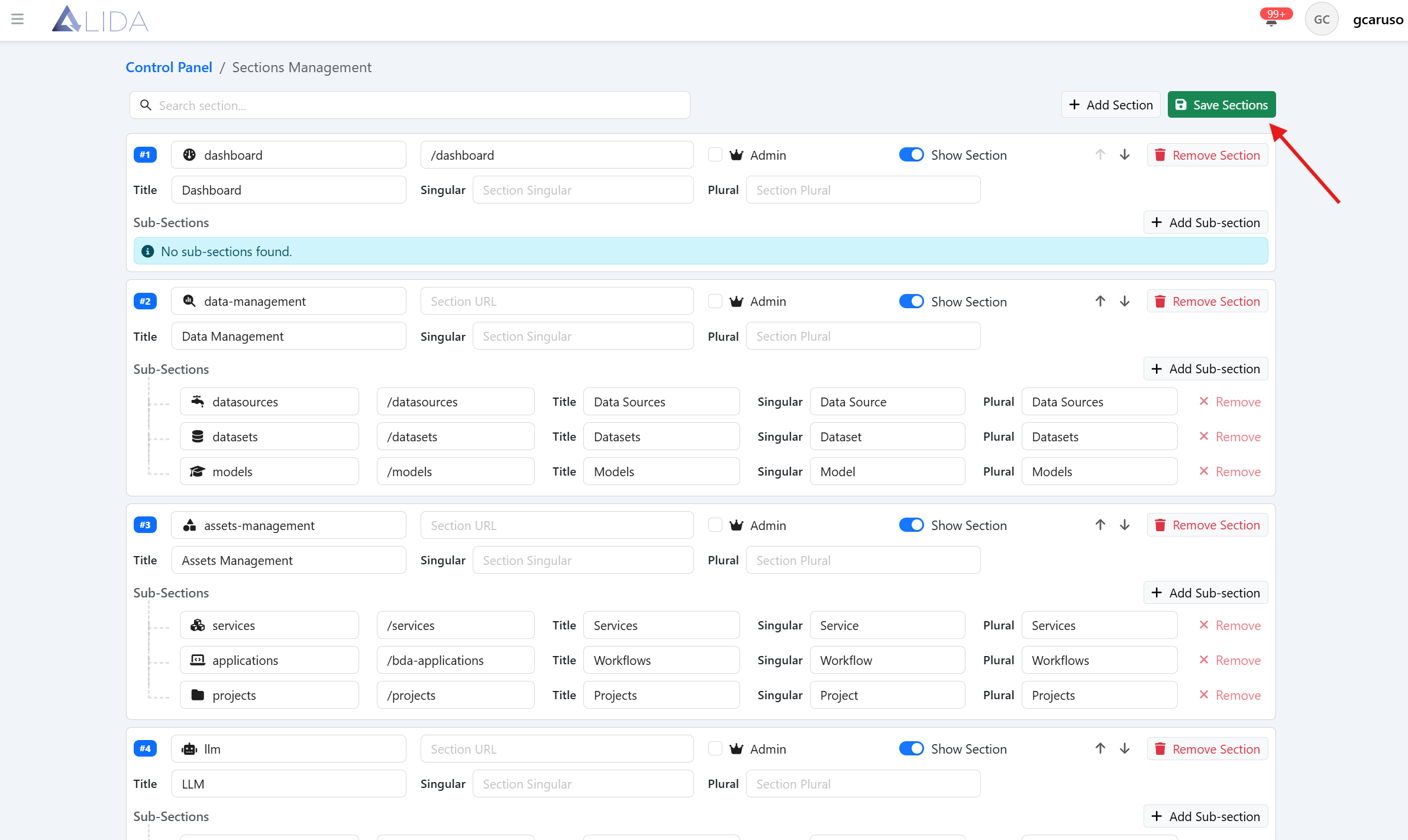
You can access the sections management panel from the control panel page:
Viewing Sections
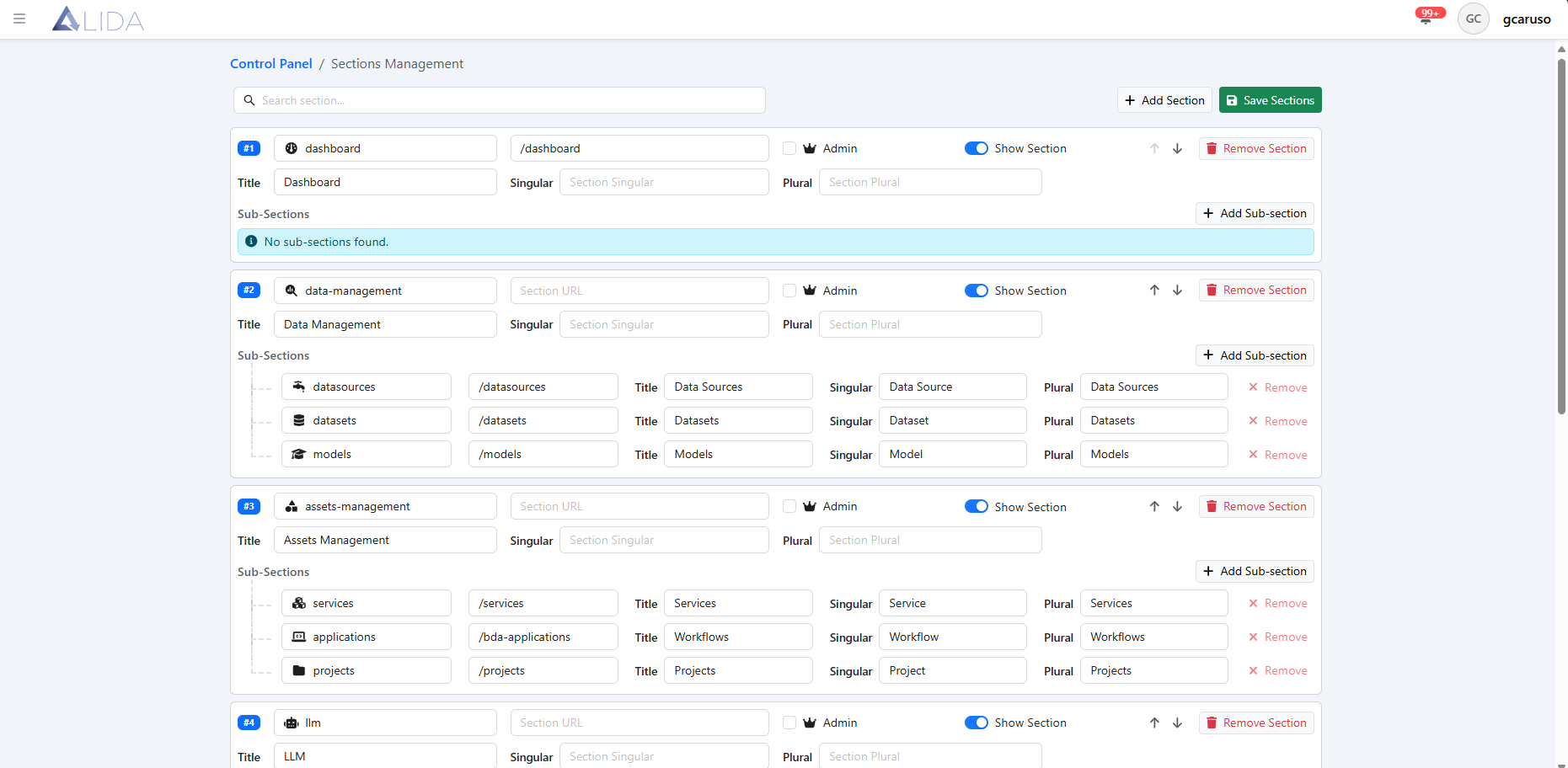
Once you open the section management panel, you will see the list of registered and viewable sections and subsections within the platform.
Section Registration
From the section management page, clicking the "Add Section" button will bring a new entry among the available sections, where you will need to fill in all the data related to the section.

For each section, you can:
| Function | Button |
|---|---|
| Edit it | |
| Delete it |  |
| Add one or more subsections |  |
| Move it up or down in the list |  |
To make the changes effective, you will need to click the "Save Sections" button within the page.