Canvas
Central element of the Workflow Designer. Blocks constituting the Workflow are dragged and connected in it.
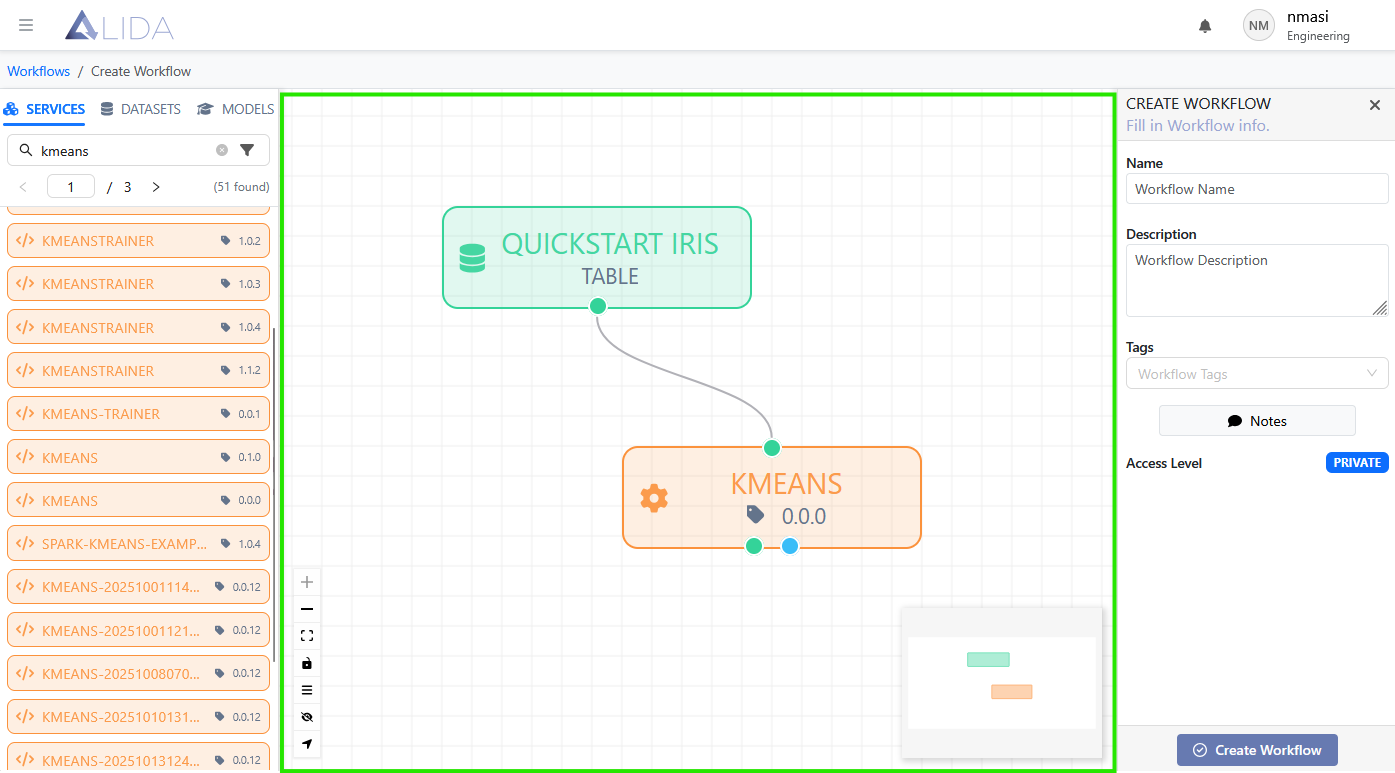
At that point it is possible to interact with the blocks by clicking directly on them or on the input or output ports. The Element Details panel will open on the right, with additional information or configuration forms depending on the type of block or port clicked.
The canvas also allows you to navigate the Workflow controlling the view through the mouse or the buttons in the lower left corner. The mini map in the lower right corner provides support if needed.