Notifications
Overview
The ALIDA platform is equipped with a notification mechanism capable of informing the user about the current status of ongoing activities and processes.
By clicking the "bell" icon in the top right corner of the navigation bar, it is possible to consult the list of notifications:
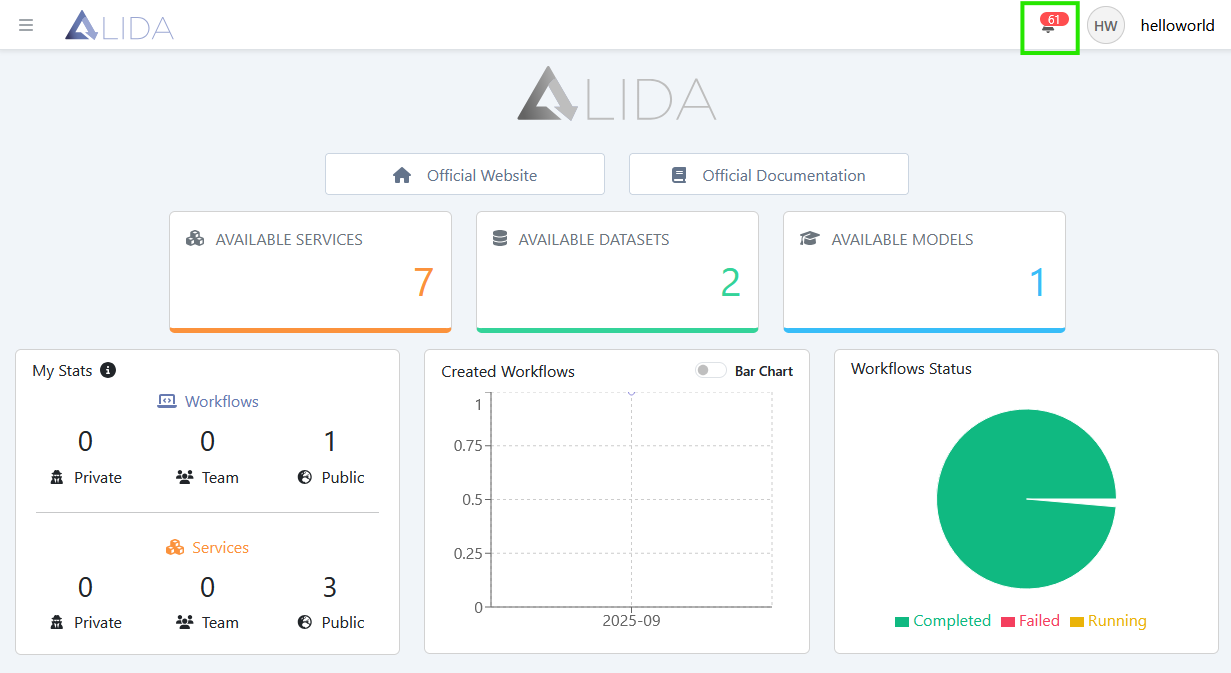
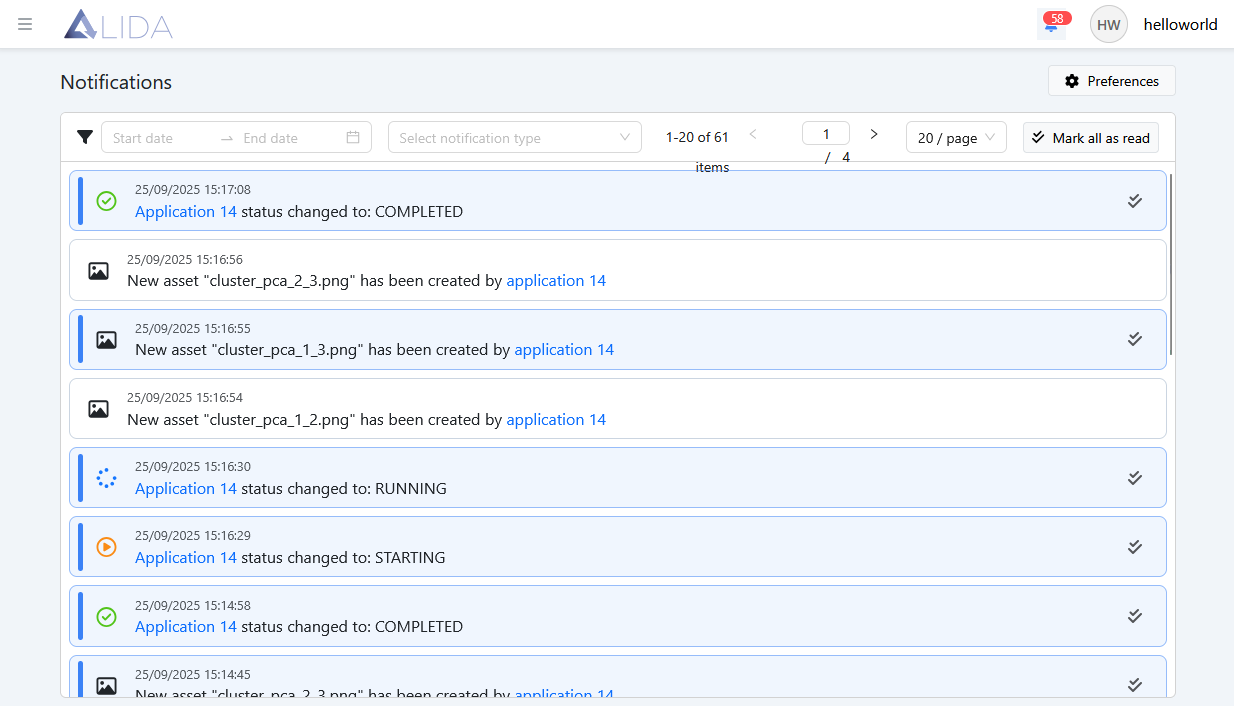
From here, the user can filter them by date or time, change page and choose the number of notifications per page to display.
The user can also mark some of the notifications as "read" by clicking the Mark as read button ( ). Or mark them all as "read" through the button
  in the top right.
Notification Preferences
The user can customize the notification settings by accessing the relative section through the button  available on the page with the notification list.
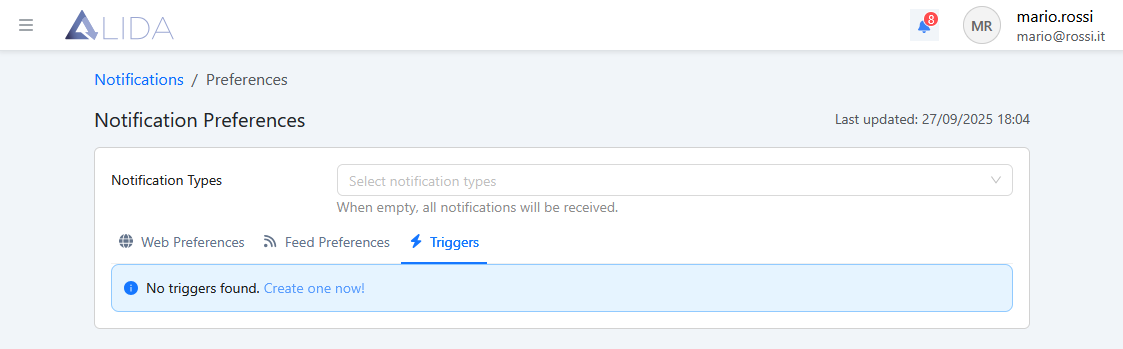
The preferences are divided into three main categories:
- Web Preferences — for the notifications that the user will receive on the browser
- Feed Preferences — for the notifications to be sent via email
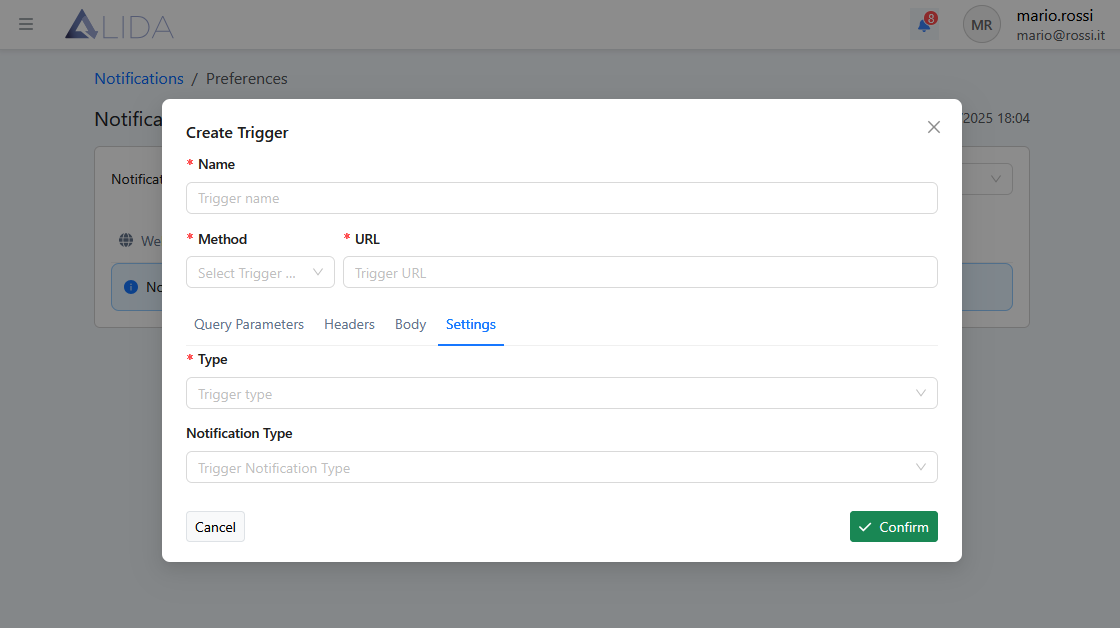
- Triggers — to configure the sending of REST requests when a notification event occurs (webhook)
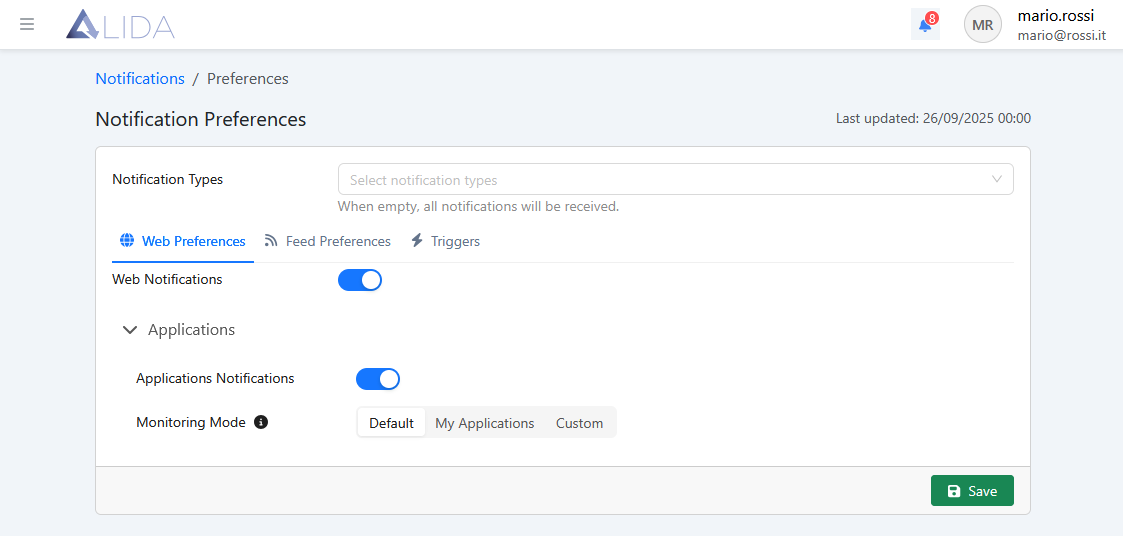
Web Preferences - from here the user can:
- Disable all web notifications
- Disable notifications related to Workflow in progress
- Decide which Workflow
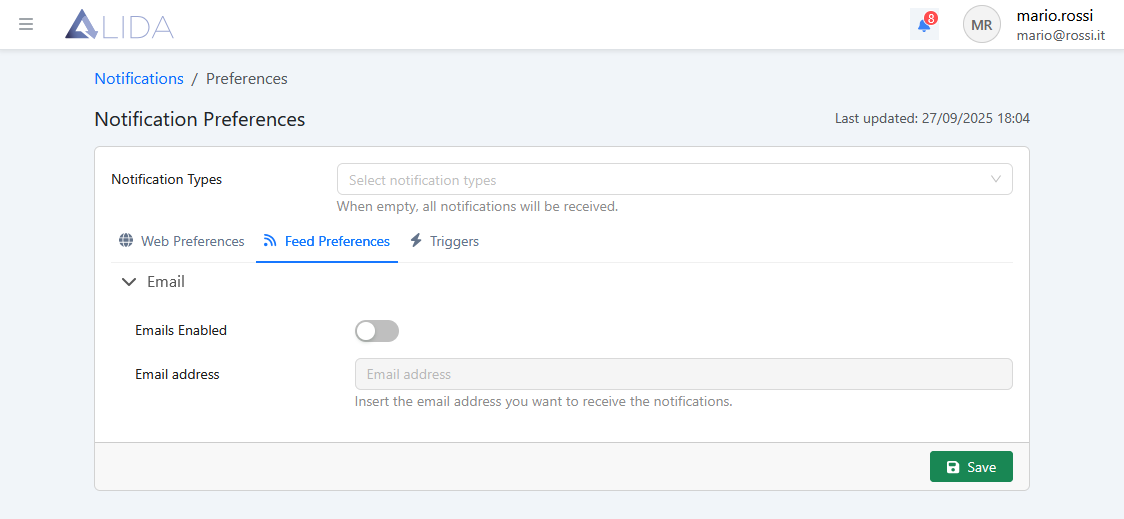
Feed Preferences - allows the user to enable email notifications and set the receiving address.
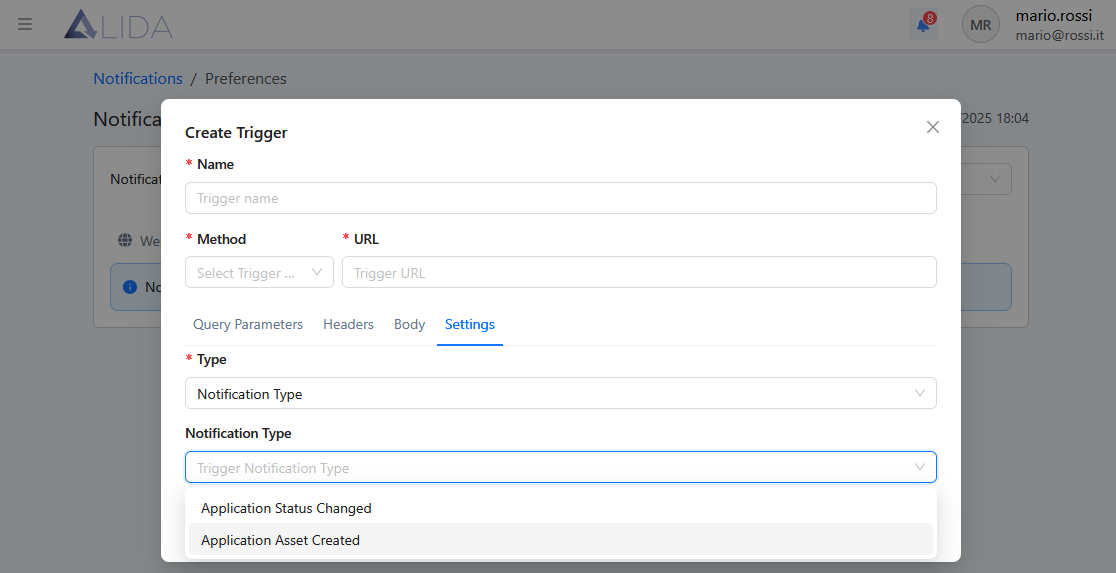
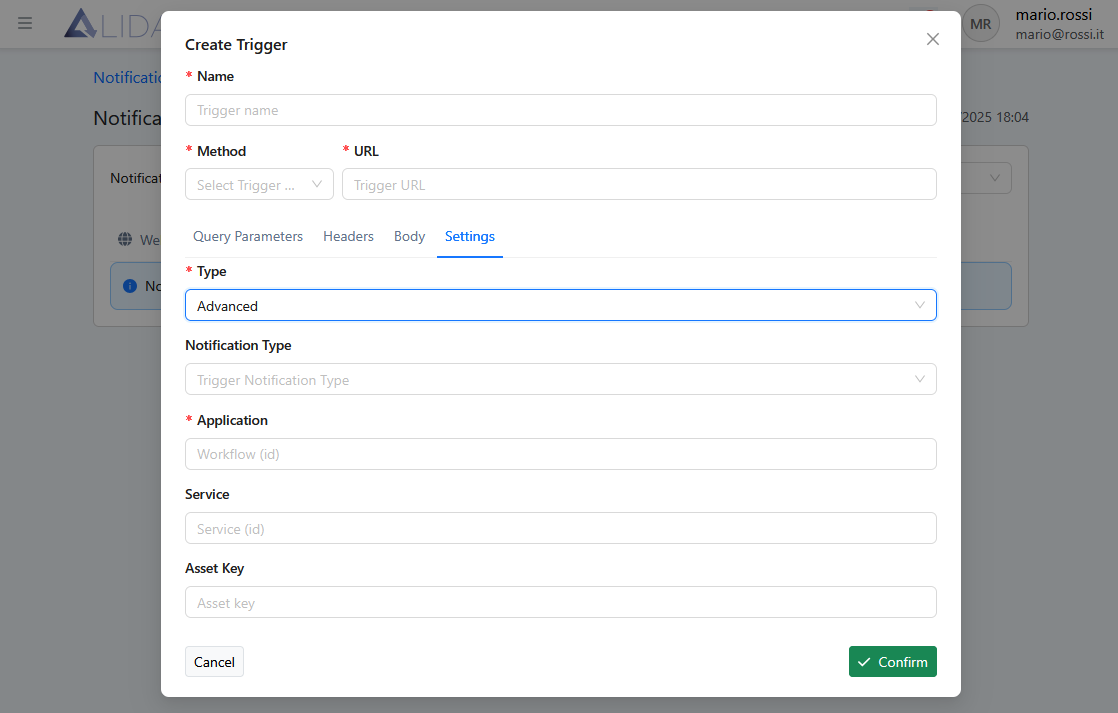
Triggers - upon arrival of a notification event, a customized HTTP request is sent. The user can specify the parameters of the call and the triggering conditions