OpenCode Agent
OpenCode is ALIDA's operational agent. It exposes APIs and SSE streaming, and can be specialized for a domain through a discovery dataset.
Dataset specialization
During startup, OpenCode discovers the contents of the available dataset. A typical structure is:
Prompts, skills, tools, auxiliary agents, and documentation in the dataset determine the agent's actual specialization. The same runtime can therefore be reused in different domains by changing the dataset.
ALIDA Service Writer
For the Service Writer, OpenCode works on a repository associated with the BDA and uses an ALIDA-focused dataset. The workflow generally includes:
- defining or updating
.alida/spec.md; - reading the relevant documentation;
- implementing the Service code;
- generating and validating
src/arguments.pyandmeta-model.json; - producing documentation and CI configuration;
- testing, committing, pushing, and opening a merge request after the pipeline succeeds.
At startup, OpenCode creates or clones a repository in the BDA namespace and creates or retrieves the corresponding MLflow experiment. The BDAID maintains the connection between the chat, artifacts, and operating context.
OpenCode can use capabilities provided by an MCP server, including an ADK Agent. However, it cannot be used as an MCP server by ADK.
| GARAGE_DEFAULT_BUCKET | Local Compose | Bucket used by the local Garage dataset loader. |
| GARAGE_DEFAULT_ACCESS_KEY, GARAGE_DEFAULT_SECRET_KEY | Local Compose | Credentials for the local Garage bucket. |
| GARAGE_LOAD_PREFIX | No | Garage prefix containing the agent dataset. Defaults to agents. |
| GARAGE_URL | No | Local S3 endpoint supplied to the runtime. Defaults to http://s3:3900. |
| GARAGE_REGION | No | Garage S3 region. Defaults to garage. |
REPO_DIR and OPENCODE_PORT are advanced runtime overrides. They default to /workspace/service and 10000; changing OPENCODE_PORT also requires updating the Compose port mapping. In ALIDA, the platform supplies the execution identity, GitLab, S3, and MLflow settings; the local Garage variables are not needed.
Dataset specialization
The dataset determines what the coding agent knows and how it behaves. For the Alida-service agent, the ALIDA dataset provides ALIDA-specific prompts, skills, and the alida-documentation.md file.
To generalize the runtime, provide a dataset for the target domain. Files retain their paths when they are merged into /opencode. A typical dataset structure is:
AGENTS.md
agents/
  domain-expert.md
skills/
  domain-workflow/
    SKILL.md
tools/
  domain-tool.ts
plugins/
  domain-plugin.ts
reference-documentation.md
Dataset contents have distinct roles:
AGENTS.mdcontains shared, global instructions that guide the main agent and subagents.agents/contains Markdown files, one for each specialized subagent. Each file defines its role, expertise, and operating instructions, for example for a domain expert. For further examples of defining a subagent, see Agents | OpenCode.skills/contains reusable procedures. Each skill has its own folder and aSKILL.mdfile describing when to apply it and which steps to perform. For more details, see Agent skills | OpenCode.tools/contains custom tools the agent can invoke during a conversation. Tools are defined in JavaScript or TypeScript files and can run domain integrations or scripts. For more details, see Custom tools | OpenCode.plugins/contains JavaScript or TypeScript plugins that extend OpenCode through event hooks, for example to integrate external services, change agent behavior, or add tools. For more details, see Plugins | OpenCode.- Domain reference documentation remains outside
agents/and is referenced by instructions or prompts as needed.
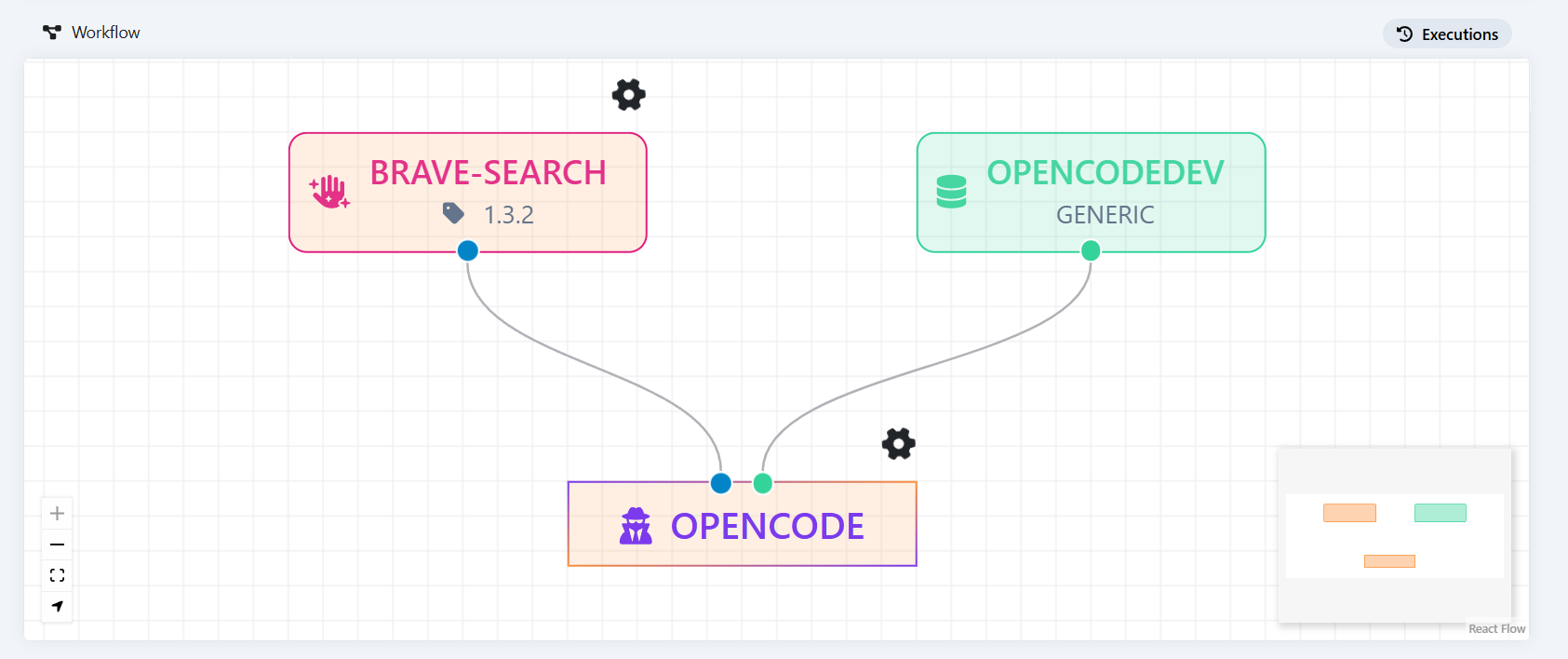
The agent can be configured with multiple input ports, all of dataset type. Each port can connect either an ALIDA dataset or a remote MCP server.
Agent tools and operating cycle
The main agent instructed to develop ALIDA services has the following tools:
validate-metamodel: validatesmeta-model.jsonand itssrc/arguments.pyfile against the ALIDA services contract.embed-documentation: copiesdocumentation.mdintometa-model.json:markDown.value, from which the platform obtains the manual displayed in the user interface.generate-gitlab-ci: generates the standard ALIDA CI configuration, including the service-registration phase.commit-and-push-service: commits the service repository and publishes the working branch after confirming it matches the repository configured inGIT_URL.get_useful_info: returns deterministic information about the execution environment, including the current date and the active user.- gitlab-mcp: MCP server that lets the agent interact with GitLab repositories, issues, merge requests, and pipelines.
The operating cycle starts with creating or reviewing .alida/spec.md, then reads ALIDA documentation related to the required integrations. The agent implements the service, delegates the generation of src/arguments.py and meta-model.json to the metamodel-writer subagent, validates the result, and delegates user-facing documentation to the documentation-writer subagent. It then embeds the documentation in the meta-model, generates CI configuration, and writes end-to-end tests. Finally, it records the iteration, publishes the feat/<service-name> branch, waits for the pipeline and, if necessary, fixes pipeline errors. After successful validation, it opens a merge request. Merging into develop or dev starts service build and registration using the provided meta-model.json.
 flowchart TD
   A["User request"] --> B{"spec.md
exists?"}

   B -- No --> C["Iteration 0 - new service
- v1.0.0"]
   B -- Yes --> D["Review - increment one
version segment"]

   C --> E["Write .alida/spec.md
propose default values,
discuss with user"]
    D --> E

   E --> F["Read ALIDA
documentation"]
   F --> G["Write service code
main.py, Dockerfile,
docker-compose,
requirements.txt"]
   G --> H["metamodel-writer subagent
arguments.py + meta-model.json"]
   H --> I{"validate-
metamodel
OK?"}

   I -- No --> H
   I -- Yes --> J["documentation-writer subagent
documentation.md"]

   J --> K["embed-documentation tool
documentation in meta-model"]
   K --> L["write-service-tests skill
gitlab-ci.yml + tests directory"]
   L --> M["history-summarizer subagent
adds entry to iterations.md"]
   M --> N["commit-and-push-service tool
to feat/<service-name> branch"]
   N --> O["Wait for pipeline"]
   O --> P{"Pipeline
outcome?"}

   P -- OK --> Q["Create merge request
to develop"]
   Q --> R["Communicate MR URL
END"]

   P -- Failed --> S{"Remaining
fix attempts?"}
   S -- No --> T["Communicate latest log
END"]
   S -- "Yes, maximum 2" --> U["Analyze log and fix"]
    U --> N